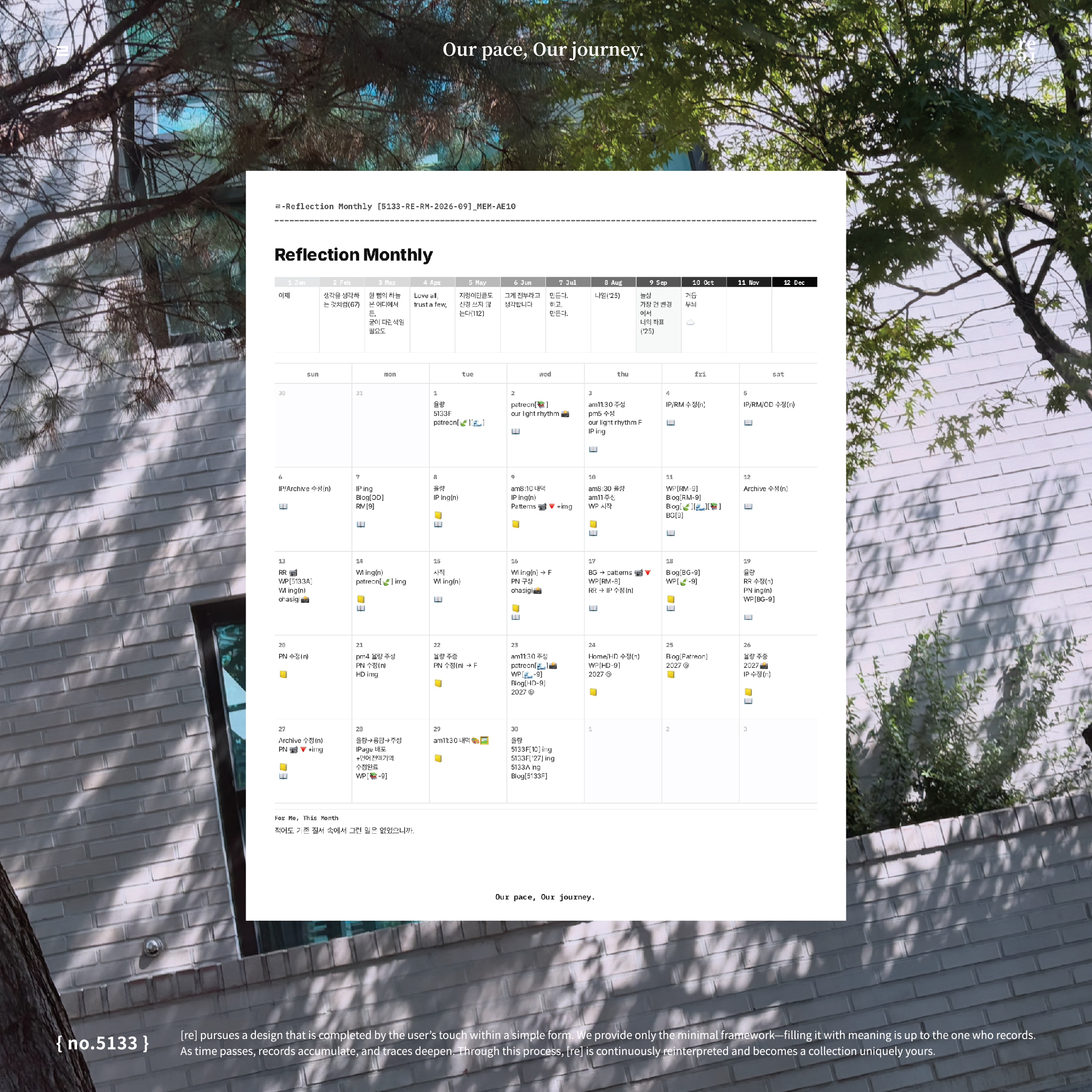
Looking for an October 2026 monthly planner you can use online or save as a PDF for Goodnotes?
Reflection Monthly in Flowhere lets you record October directly in your browser, then export either a blank monthly page or your completed record as a JPG or PDF.
The layout combines a dated monthly grid with a 12-month Reflection Box, so schedules, short journal entries, notes, and reflections can share one page.
This post also includes a look at my September 2026 journal page and how to continue the same format into October.
Start With a Blank October Planner or Record Online
There are two ways to use the October 2026 page in Flowhere.
1. Download a blank monthly planner
Open October’s Reflection Monthly page and export the blank layout as a PDF or JPG.
You can import the PDF into Goodnotes, write on it in another PDF annotation app, or keep the file alongside your existing journal pages.
2. Write directly in Flowhere
Use the dated grid to add schedules, notes, photographs, or short entries throughout October.
Save your page as you go, return to it when you want to add something, and export the record whenever you need a separate file.
Both options use the same Reflection Monthly layout. The difference is where you prefer to write.
Inside the October 2026 Reflection Monthly
Reflection Monthly brings two recording areas together on a single page.
Monthly Grid: Plan and Journal by Date
The lower section is a dated calendar for October 2026.
You might mark an appointment on one day, add a project note on another, or keep a short journal entry beside a date you want to remember.
The grid does not assign a separate purpose to each area. You can use it for practical planning, personal journaling, or both.
Reflection Box: Look Across All 12 Months
Above the monthly grid are 12 boxes representing January through December.
Rather than completing a conventional year-end summary, you can use these boxes to note how you see the year from October.
A word, a date, a short thought, or a small mark can be enough.
Looking at January from October may bring up something different from what you noticed in September. The Reflection Box leaves room for those changing perspectives.
From My September Journal to October
My September 2026 Reflection Monthly is an example of how this layout can be used as an ongoing monthly record.
The page does not need to separate planning from journaling. Schedules, observations, and notes can remain together on their original dates.
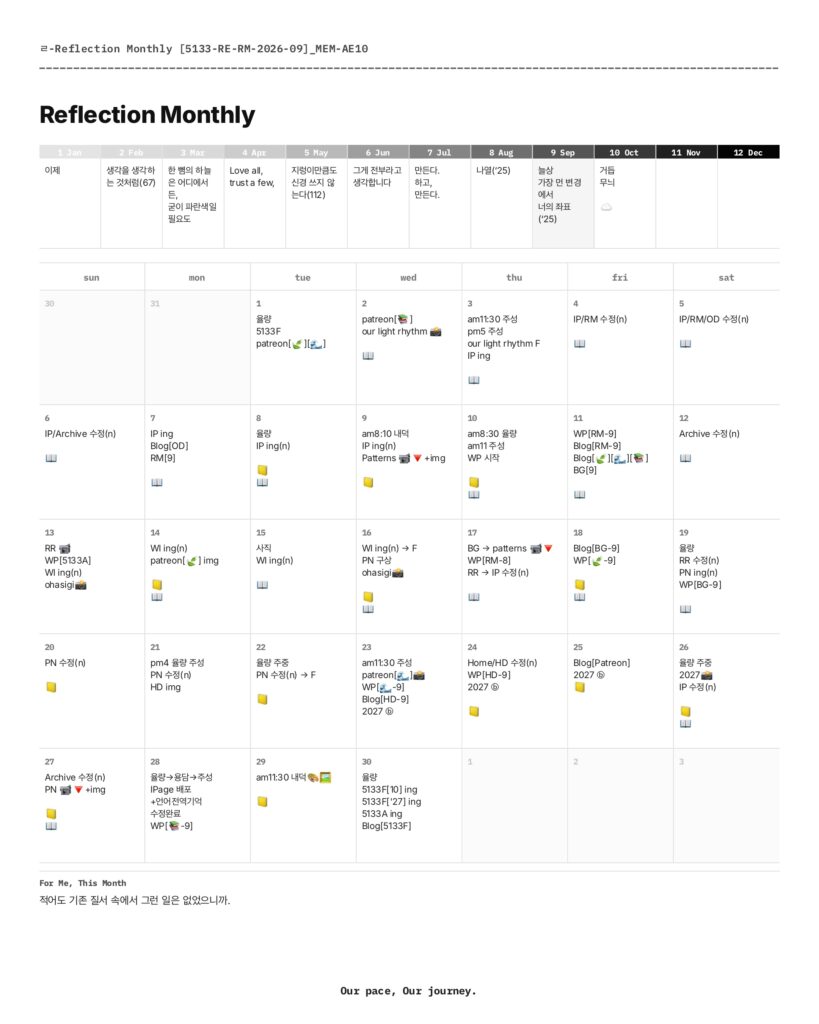
Moving into October does not require a new recording method. You open the October page and decide what belongs there.
You can also return to September if there is something you want to add or look at again.
Keep Your Monthly Pages in Goodnotes
Reflection Monthly runs in your browser, so it is not a Goodnotes template that you need to install before using Flowhere.
However, you can export the page as a JPG or PDF and bring that file into Goodnotes.
This gives you the option to keep your monthly pages alongside other digital notebooks, whether you prefer to write in Flowhere first or begin with a blank exported PDF.
Prefer a ready-made monthly planner PDF?
Return to October in Another Year
Flowhere also connects monthly recording with its Archive.
As records accumulate, the same calendar month can be viewed across different years through a five-year mirror.
An October 2026 page can eventually sit alongside October records from later years, making it possible to revisit what you left at different points in time.
For now, the starting point is one October page.
Open Your October 2026 Reflection Monthly
You can begin with a blank page, record directly in Flowhere, or export the layout for use in Goodnotes.
Open October, add what matters to you, and return when there is something more to record.
One month, seen from where you are now.
𝑶𝒖𝒓 𝒑𝒂𝒄𝒆, 𝑶𝒖𝒓 𝒋𝒐𝒖𝒓𝒏𝒆𝒚.
Comments
2 responses to “October 2026 Monthly Planner Online with PDF Export — Reflection Monthly [Flowhere]”
[…] → Explore Reflection Monthly in Flowhere […]
[…] → Explore October 2026 Reflection Monthly in Flowhere […]