Looking for a way to turn your everyday photos into a monthly photo journal?
BOM Grid is a web-based photo journaling page in Flowhere. Instead of keeping photos scattered across your camera roll, you can arrange them by date on a monthly calendar and see the moments you chose to capture throughout the month.
Add your photographs, leave a short note in For My BOM, and export the page as PNG, JPG, or PDF for Goodnotes or your personal collection.
This post uses a real September 2026 BOM Grid to show how an empty calendar becomes a photo diary—and how you can begin your October 2026 record.
How to Build a Monthly Photo Journal
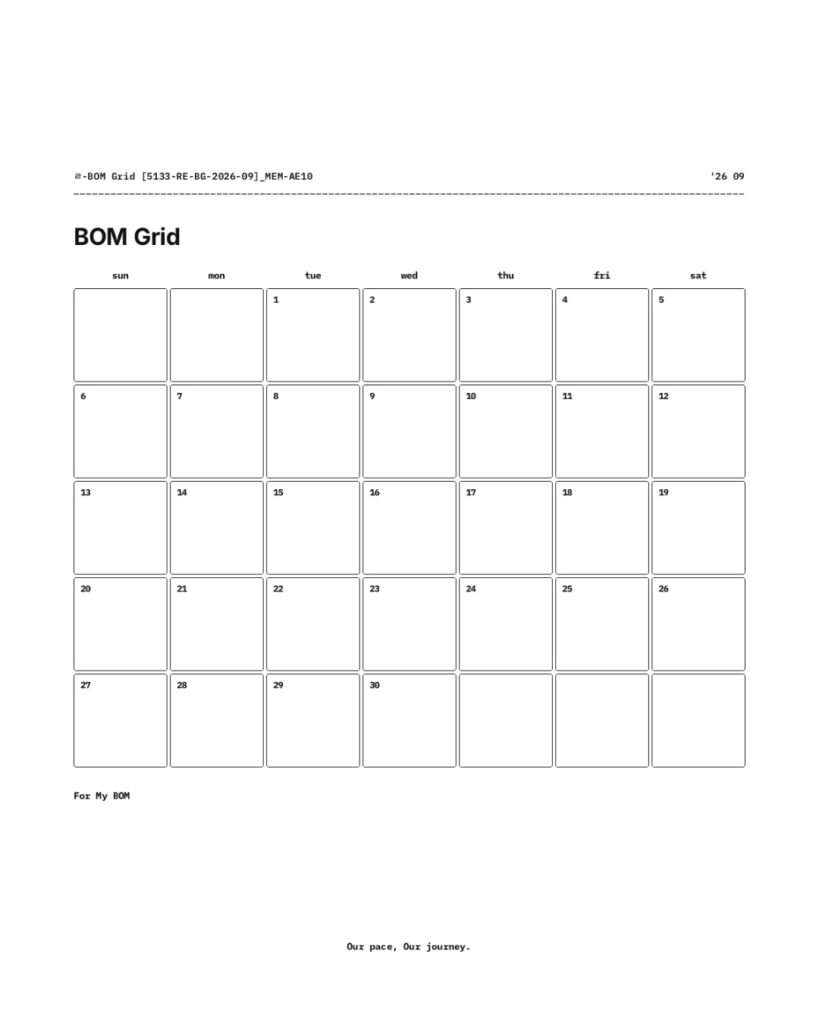
BOM Grid uses a dated monthly calendar with individual spaces for photographs.
Choose a month and year in Flowhere, then add photos to the dates you want to remember. A single image might capture the weather, a place you visited, something you read, or an ordinary scene from your day.
You can leave dates empty. The grid follows the days of the month without requiring a photograph for every one.
September 2026: A Month Told Through Photos
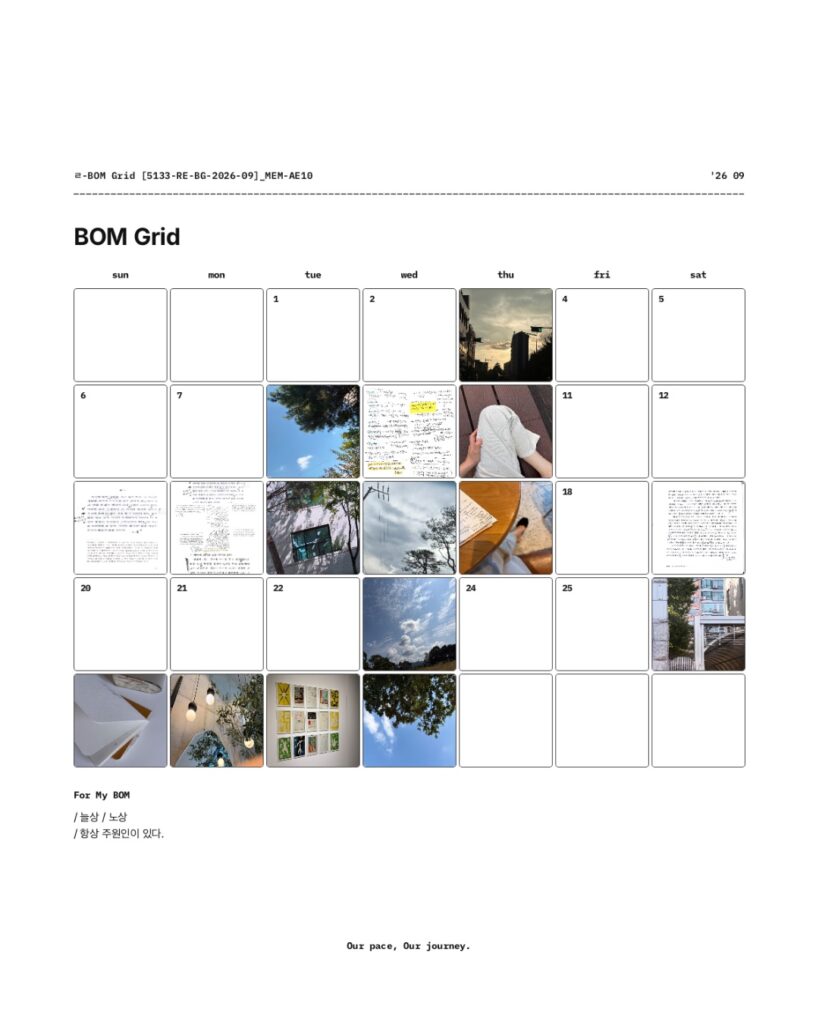
My September BOM Grid brings together photographs of skies, trees, streets, interiors, and pages of notes.
Some dates contain photographs, while others remain blank. Viewed together, the images form a visual record of September without needing a written entry for each day.
Beneath the calendar is For My BOM, a space for a few words or a short thought about the month. In this example, the note sits below the completed photo grid.
The photographs show individual moments. The monthly layout lets you see them together.
Export Your Photo Journal for Goodnotes or Your Own Layout
BOM Grid lets you download your monthly page as PNG, JPG, or PDF.
You can save the completed photo journal as a PDF and keep it in Goodnotes alongside your other records, or use a JPG as a single image of the month.
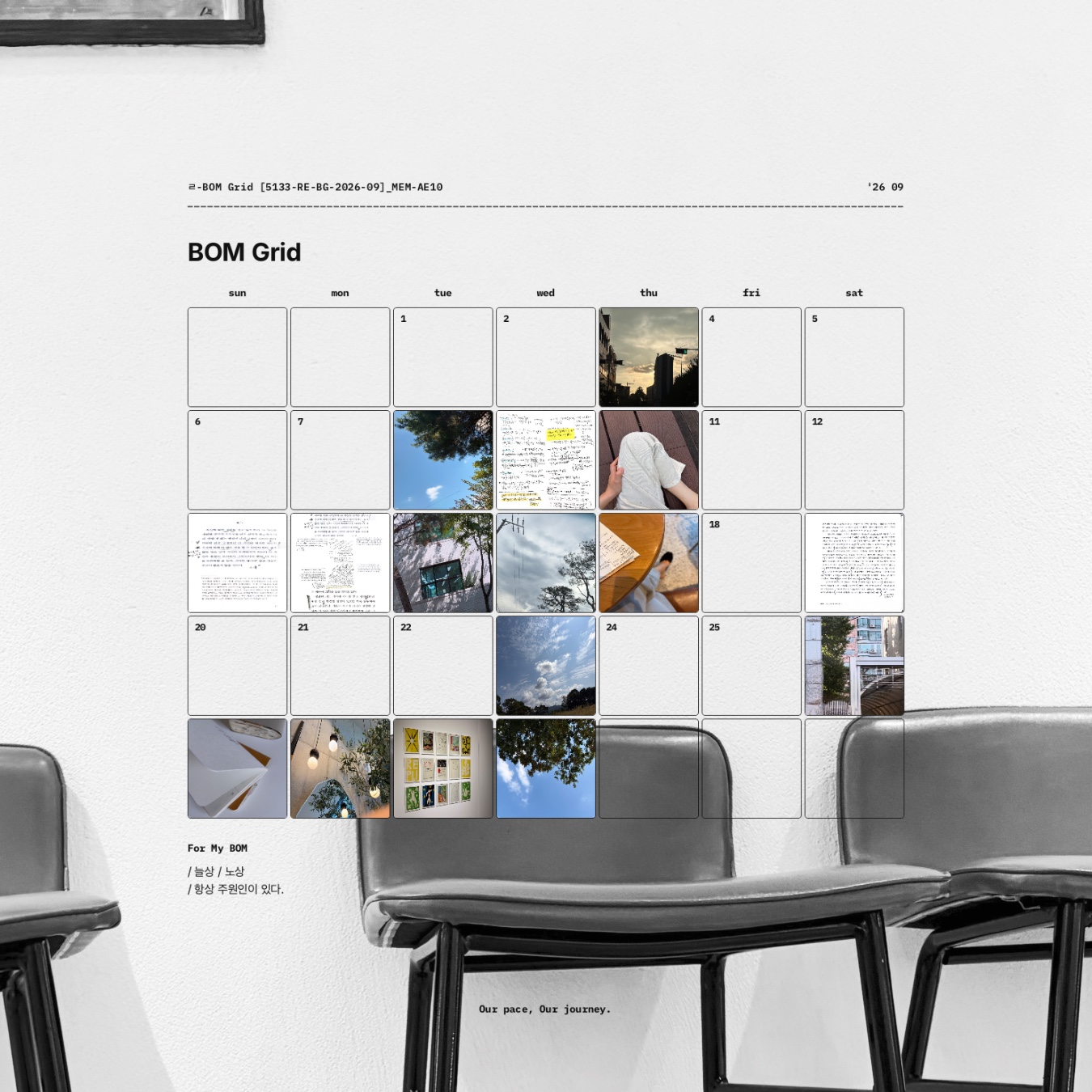
PNG also supports a transparent-background option. This lets you place the photo grid over another photograph or background, as shown in the featured image, where the September grid appears over a black-and-white interior photograph.
If you prefer to arrange your photos outside Flowhere, you can download a blank monthly layout as well.
The same calendar can therefore work as a digital photo diary, a saved PDF, or part of a larger visual composition.
Keep Your Monthly Photos in a Personal Archive
A monthly photo journal can also become something you return to later.
When you save your records in Flowhere, you can revisit earlier months through the Archive. As records accumulate across different years, photographs from the same month can become part of a five-year view of your personal history.
A photograph that seemed ordinary when you took it may stand out differently when you see it alongside records from another year.
Start Your October 2026 Photo Journal
Open BOM Grid in Flowhere and choose October 2026.
Add photographs to the dates you want to keep, leave a note in For My BOM if you like, and save or export your monthly page.
You can begin with the photographs you already have and continue adding to the grid throughout the month.
Prefer to keep a month through writing and notes rather than photographs? Reflection Monthly offers a different way to record the month on one page.
→ Explore Reflection Monthly in Flowhere
One month of photographs, collected on one page.
𝑶𝒖𝒓 𝒑𝒂𝒄𝒆, 𝑶𝒖𝒓 𝒋𝒐𝒖𝒓𝒏𝒆𝒚.